
2022 in review
Last year, I wrote a post linking to all of my weeknotes from the year along with a short synopsis. That’s a bit boring, so instead I’m going to choose a photo from each month that hasn’t previously appeared on this blog and talk about some of the things I did.
In total, I did 213 days of work and took 47 days of holiday this year; I observed some public holidays and not others, for various reasons. I’m not going to talk about work much in what follows. You can see all of my weeknote posts here.
January
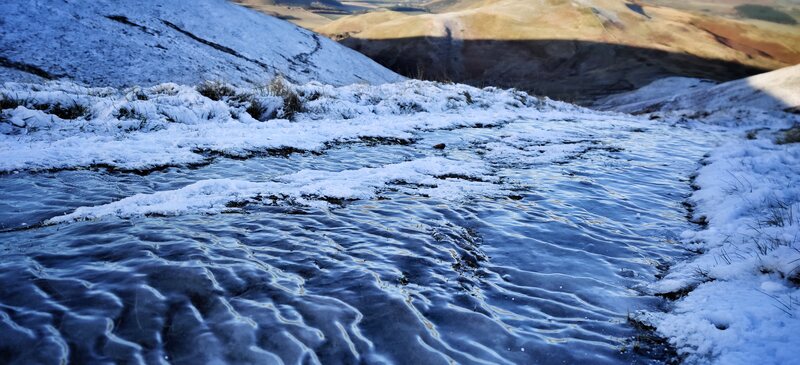
I started and ended the year on walks with Aaron Hirtenstein in Northumberland National Park. As one does, I made a couple of lists of things I wanted to do more of in 2022 and things I wanted to do less of. While I’ve been pretty fastidious in avoiding things that sap my energy, I haven’t done such a great job at things that give me more.
My daughter came back from school with Covid and so, inevitably, I caught it (although my wife didn’t until later in the year, and my son still hasn’t had it). I didn’t feel great, but worked through it. WAO got into a good rhythm of co-working on projects, and I started working on the Zappa project with the Bonfire team.
February
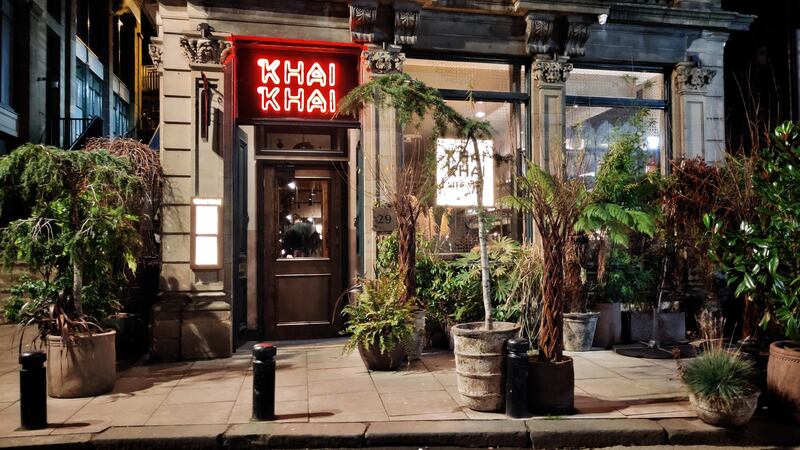
Hannah and I went away for a night in Newcastle, which included a wonderful meal and cocktails at Khai Khai. It was so good, I ended up taking the whole family for my birthday later in the year.
I kept telling people I had not ‘Long Covid’ but ‘Medium Covid’ as although I was OK, I couldn’t really do much exercise without my heart rate massively spiking. I did start doing more walking every day, however, in an attempt to build up my capacity for the Hadrian’s Wall walk in April.
Later in the month I started a course on ‘tech ethics’ which, although I didn’t finish due to travel, I thought was really thought-provoking. I also met some interesting people.
March
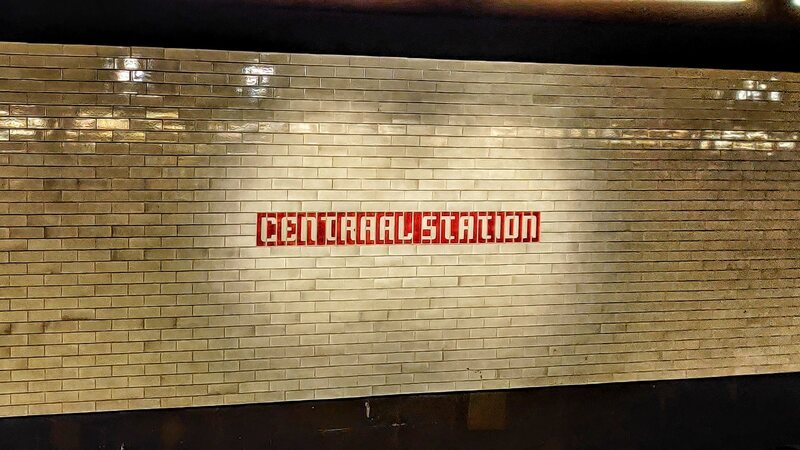
I did my first proper work trip since the pandemic in March, a multi-city trip in The Netherlands as part of the Dutch National Libraries conference. I spent the weekend beforehand in Amsterdam with Hannah, and Laura Hilliger and her husband came over from Germany at the same time so we had dinner together. It was so good to see people IRL again!
Due to Russia’s unprovoked attack on Ukraine, I donate a lot of my remaining crypto directly to the Ukrainian government, and my kids ended up donating all of the charity money they set aside from their pocket money each month. On our home front, we bought a new bed, and I started taking Feverfew tablets which had a real effect on reducing the frequency and intensity of my migraines.
April
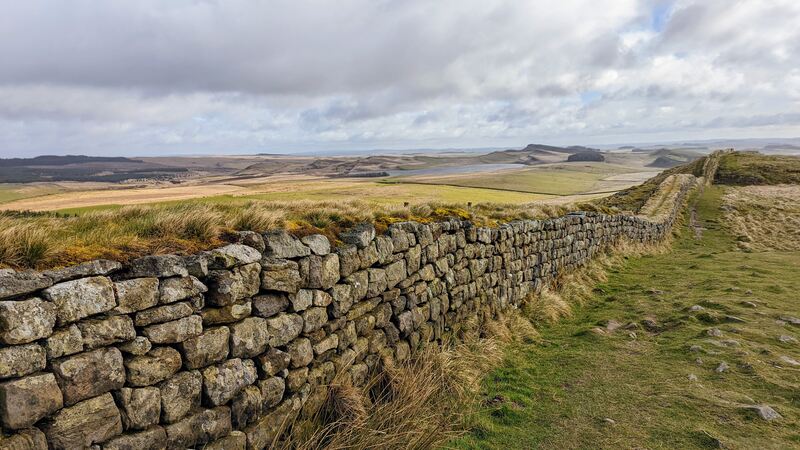
As planned, I took three weeks off work in April. Walking Hadrian’s Wall in 72 hours was a real achievement for me, after only really recovering from Covid in March. I had been supposed to walk it with Aaron, but he came down with it on the Sunday we were supposed to meet. So I just went for it. Took me a full week to recover!
Team Belshaw also went on holiday to Croatia, which was excellent — if a little intense between the Bora wind, watching Hadjuk Split vs Dinamo Zagreb, and experiencing an earthquake on our last night… On our return, I ran my first 10k of the year, and we got hospitality tickets for Newcastle United vs Liverpool at St James Park.
May
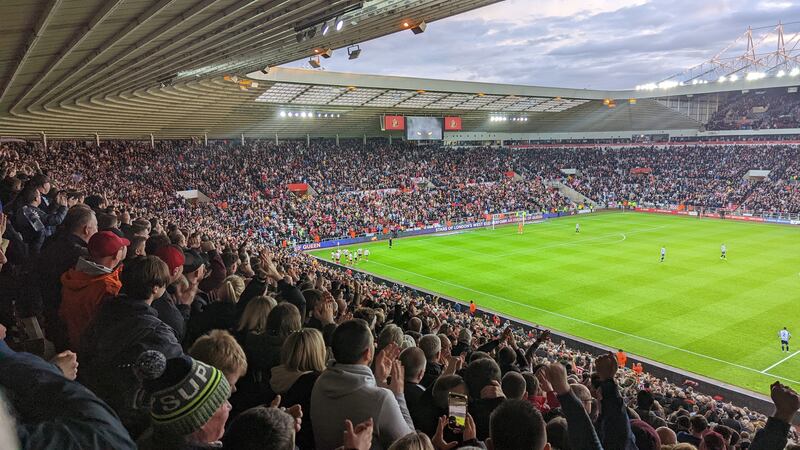
A busy month, which included my team (Sunderland) being promoted to the Championship after languishing in League 1 for too long. My dad and I went to the playoff semi-final. I also went down to London to present at the Learning Technologies conference, meeting up with Bryan Mathers and Oliver Quinlan while I was there, and ducking my head into the Outlandish offices. I attended the Thinking Digital conference, probably for the last time.
Back home, I completed a Sociocracy facilitators course with some friends, and tried semi-successfully, to replace my home broadband with a 5G connection. I got into a pretty good routine of three gym sessions, two runs, one swim, and one yoga session per week.
June
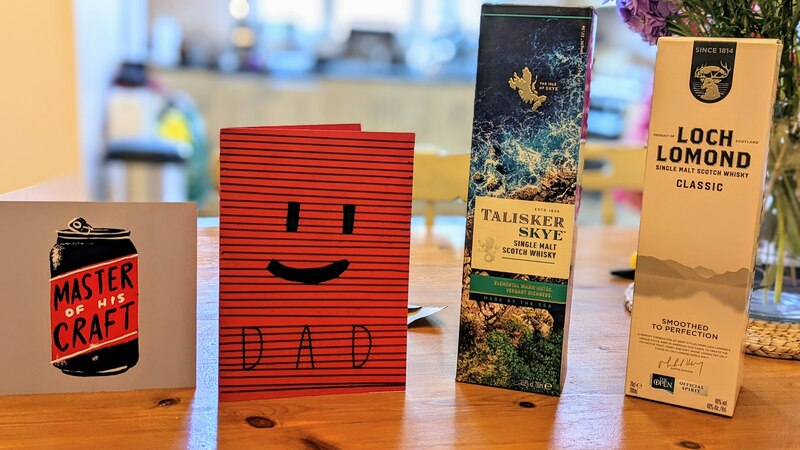
A quieter month full of routines and including a celebration of Fathers’ Day. My son earned his first Open Badge, which felt like a bit of A Moment given my 11-year history with the project. I did a bit of solo parenting as Hannah was away for work, and my daughter tried out for new football teams.
July
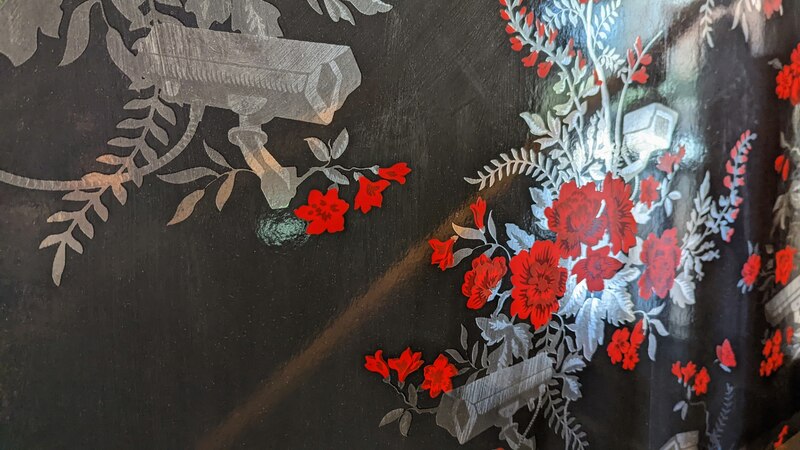
Hannah and I went away to York to celebrate 20 years since we were engaged on Prince Edward Island, Canada. Team Belshaw travelled to Sheffield to watch England’s Lionesses thrash Sweden in the Women’s Euros semi-final.
Hannah completed a 26.2 mile Mighty Hike for charity, while I started running every day and ran my fastest 10k for a decade. I bought a new laptop, painted my office in the rain, and took the kids to football and basketball tournaments. A busier month than I was expecting!
August
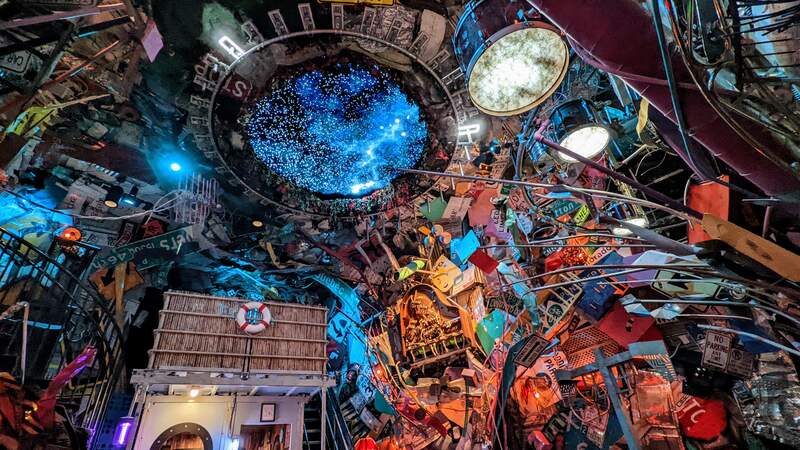
I flew to Denver and then on to Boulder, Colorado right at the end of July for The Badge Summit which happened right at the start of August. I had a wonderful time, sharing an amazing Airbnb with Laura and Anne, as well as Mark, Julie, and Don from Participate. In addition to presenting at the event, I went hiking in the mountains, watched the Lionesses win the Euros, and experienced the Meow Wolf immersive art installation.
Hannah got Covid right before I went, so I unceremoniously shipped off the kids to my parents. She had it quite bad, and was incapacitated for a few days, spending time in bed. I think she was doubly concerned as a family member had Long Covid at that time.
After the excitement of the US, we had a week before going to a wedding and then heading off on holiday in France. I ran an accidental half-marathon and found my way back by speaking broken French to random people in the countryside.
September
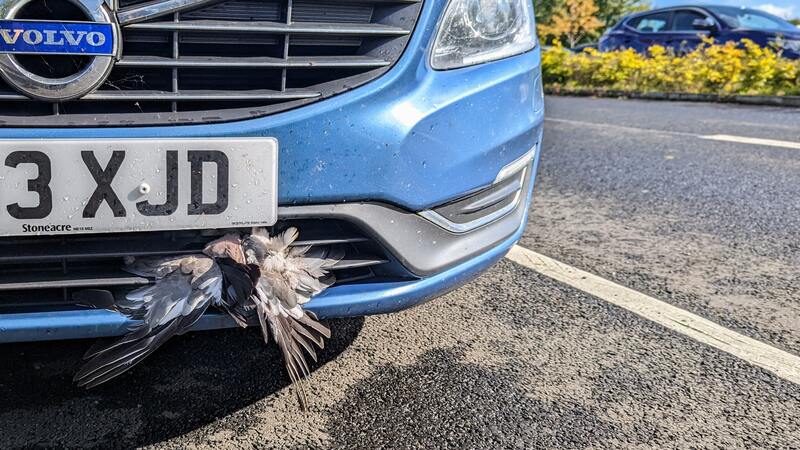
September was a weird month. I ended up in hospital twice (once to do with my heart, once to do with my brain) due to overdoing it. A pigeon got absolutely rammed-stuck in our car’s grille. I set up exercise.cafe as an escape from Strava. Our daughter got into Newcastle United’s Emerging Talent Centre. I bought a Steam Deck.
October
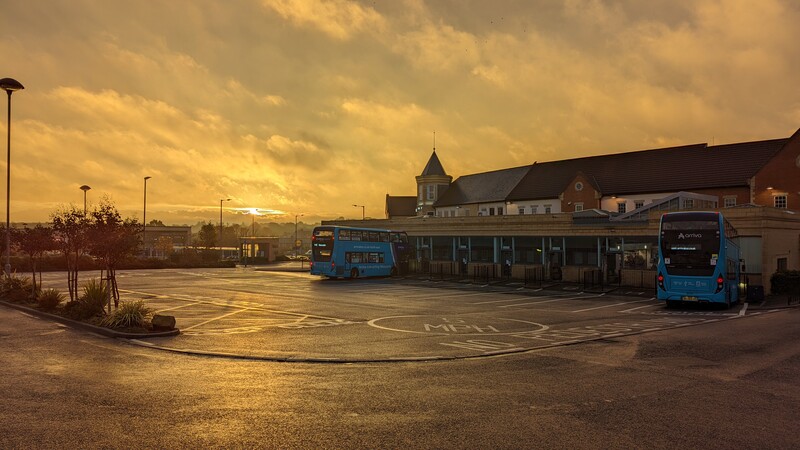
I got back into running and had a couple of enjoyable runs in Lille where I was for the ePIC conference. I got the Eurostar there, which was a first. I got vaccinated (my fourth) and baked a cake for Hannah’s birthday.
After toying with the idea of getting an electric vehicle, we ended up realising we needed a second car instead and bought a little VW Up! Team Belshaw went on holiday in an Airbnb near Dundee, and our son played an exhibition basketball game before a pro fixture.
November
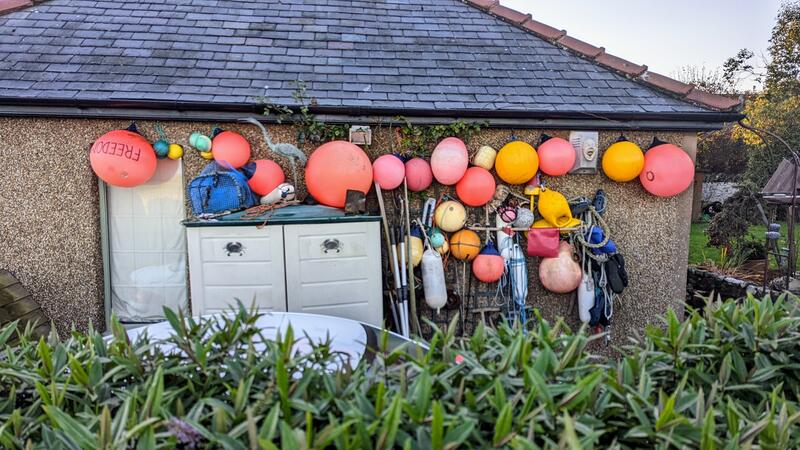
As I predicted years ago, everyone started showing up on the Fediverse after Twitter took a dive. I set up a non-Mastodon instance at wao.wtf (was Misskey, now a fork called Calckey). Team Belshaw went out for an excellent Sunday dinner, as we do most months now, up the Northumbrian Coast. We had a lovely walk on the beach afterwards.
Aaron and I led an Away Day for LocalGov Drupal down in London together with Nathan Brown. It was a great success, and as a result the project is now incorporated as a co-op. For the first time ever, the World Cup was a winter one and started in late November, which was awesome. Just don’t mention… well, everything other than men kicking a football around.
December
I’d planned to take three weeks off in April, August, and December this year. It didn’t quite work out like that, but close enough. Our kids don’t return to school until 10th January, so I’m taking my three weeks off in a way that straddles the last two weeks of 2022 and the first week of 2023.
I used some AI tools for various things, including audio transcription. Like many people, I’ve been messing about with AI art tools, but ChatGPT was something quite unexpectedly different.
Laura and I appeared on the OEG Voices podcast. I was in full-on wind-down mode from December 1st and focused my attention on sampling many different types of mince pies. Of course my wife’s and my mother’s are the best!
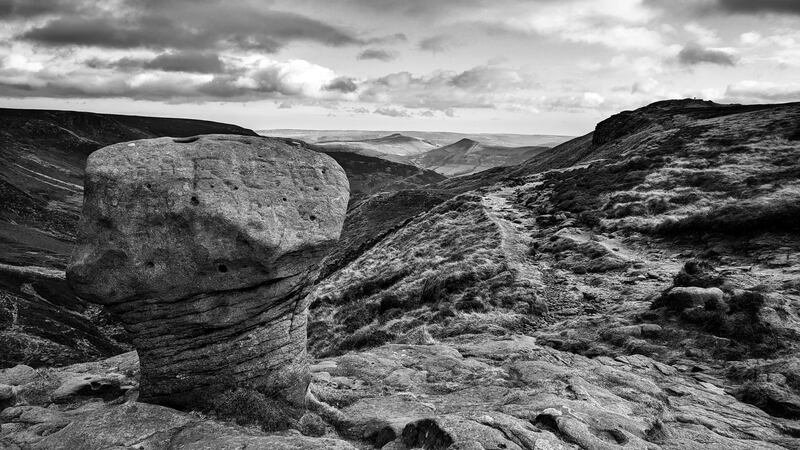
I went walking in Northumberland National Park with Aaron, in the Peak District with Bryan, and up at Simonside with the family. I celebrated my 42nd birthday. I made a nut roast from scratch. I bought gifts for everyone else and then a Mac Studio for myself as it’s the end of my own company’s financial year.
Tonight, to see in the New Year, we’re heading up into the Northumbrian hills for Allendale Tar Bar’l. We used to go every year when I was a teenager, and Hannah and I have been before we had kids. It’ll be the first time our two have experienced it. I just hope it doesn’t rain too much. Snow is absolutely fine 🙂
